When you’re building a website, images aren’t just there for decoration—they serve a real purpose. They add context, break up walls of text, make your content visually engaging, and give your site personality. But here’s the catch: an image that isn’t optimized is like a closed book—it only works for people who can see it. What about visually impaired visitors, or even Google’s crawlers? This is where alt text steps in. In this guide, we’ll break down what alt text is, why it’s important, and how to properly add it to your images.
What is alt text?
Alt text—sometimes called alt tags or alt attributes—is descriptive text added to an image’s HTML code. Its job is to explain what the image shows. While users may see the image, alt text ensures screen readers and search engines know what’s there too.
Why use alt text?
The main goal of an alt tag is to convey the meaning of an image. For example, if you’re a home repair company and you post a photo of a house crushed by a tree, your alt text could be: “house damaged by fallen tree.” Simple, clear, and descriptive.
How to write alt text effectively
Writing alt tags is part art, part common sense. The trick is to describe the image as if you were explaining it to a friend across the room. Keep it accurate and to the point.
Here are a few things to avoid:
- Don’t stuff it with keywords (e.g., “fishing rod fishing line fishing pole”).
- Don’t be too vague (e.g., “hat”).
- Don’t start with “image of” (e.g., “image of bluebird on fence”).
The benefits of using alt text
Using alt attributes isn’t just a technical detail—it comes with real advantages. Here are three key benefits:
- Improved rankings: Google can’t “see” images, but it can read alt text. By giving your images descriptive tags, you help Google understand your page better, boosting your search rankings.
- Visibility in Google Images: Without alt text, your pictures won’t appear in Google Image results. With it, they can attract traffic—like tagging an image “gold trophy,” which helps it show up when someone searches for that phrase.
- Accessibility: Alt text makes your site more inclusive. Screen readers can read the text aloud for visually impaired users, helping them navigate and engage with your site. That’s good for users and good for business.
How to create alt tags
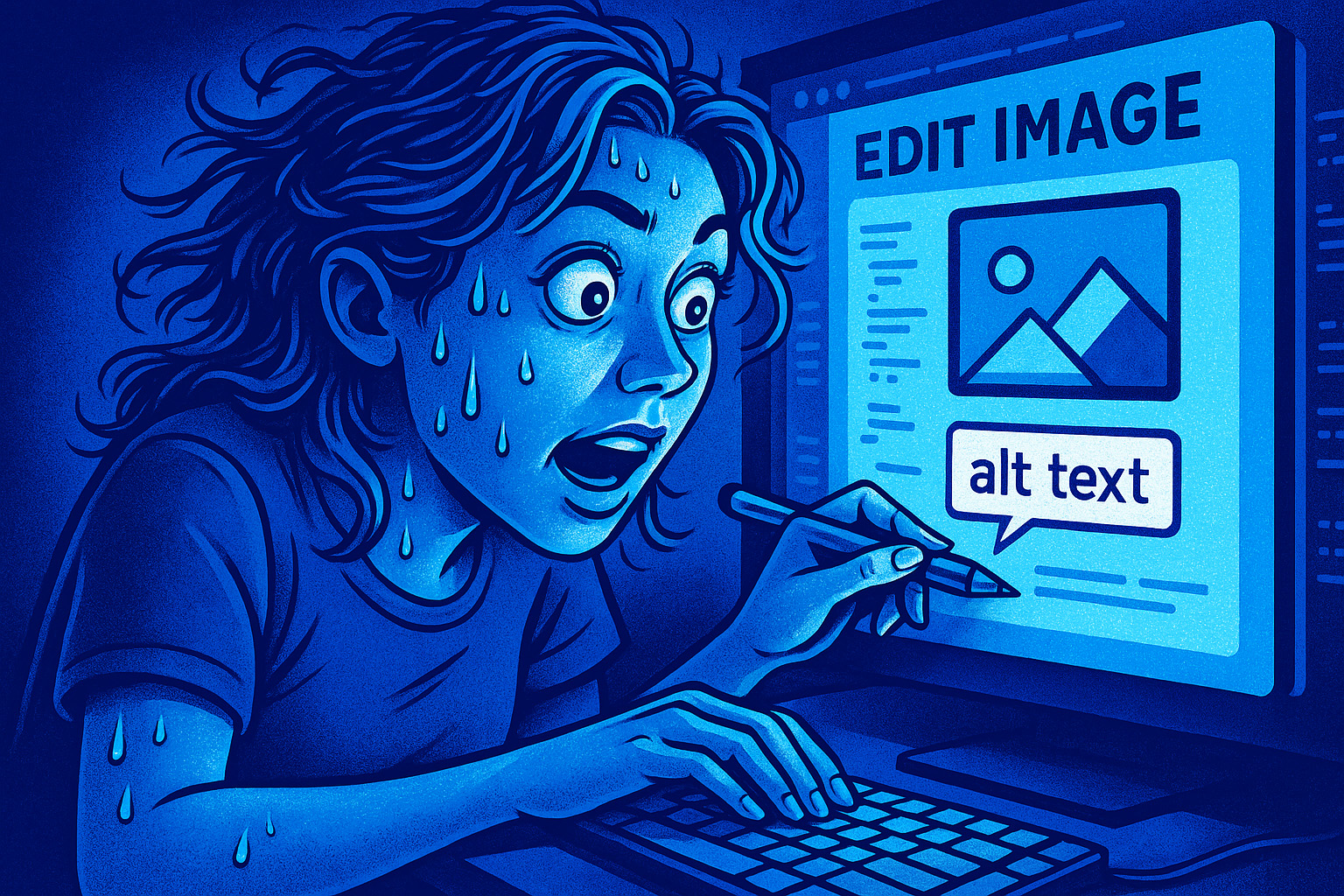
Adding alt text is simple. In most content management systems (CMS), you can just click the image and type in the alt text. If you’re editing code directly, it looks like this:
Before:
<img src="house.jpg">
With alt text added:
<img src="house.jpg" alt="house damaged by fallen tree">
That’s it—short, clear, and effective.
Let Blumoo Creative help you optimize your images
While adding alt text is a quick win, it’s only part of the bigger picture. At Blumoo Creative, our team can help you take your website further. From alt tag optimization to full-scale web design and SEO, we’ll make sure your site isn’t just beautiful—it’s functional, accessible, and ranking where it should. Want to learn more? Call us at (916) 223-0367 or contact us online today!